
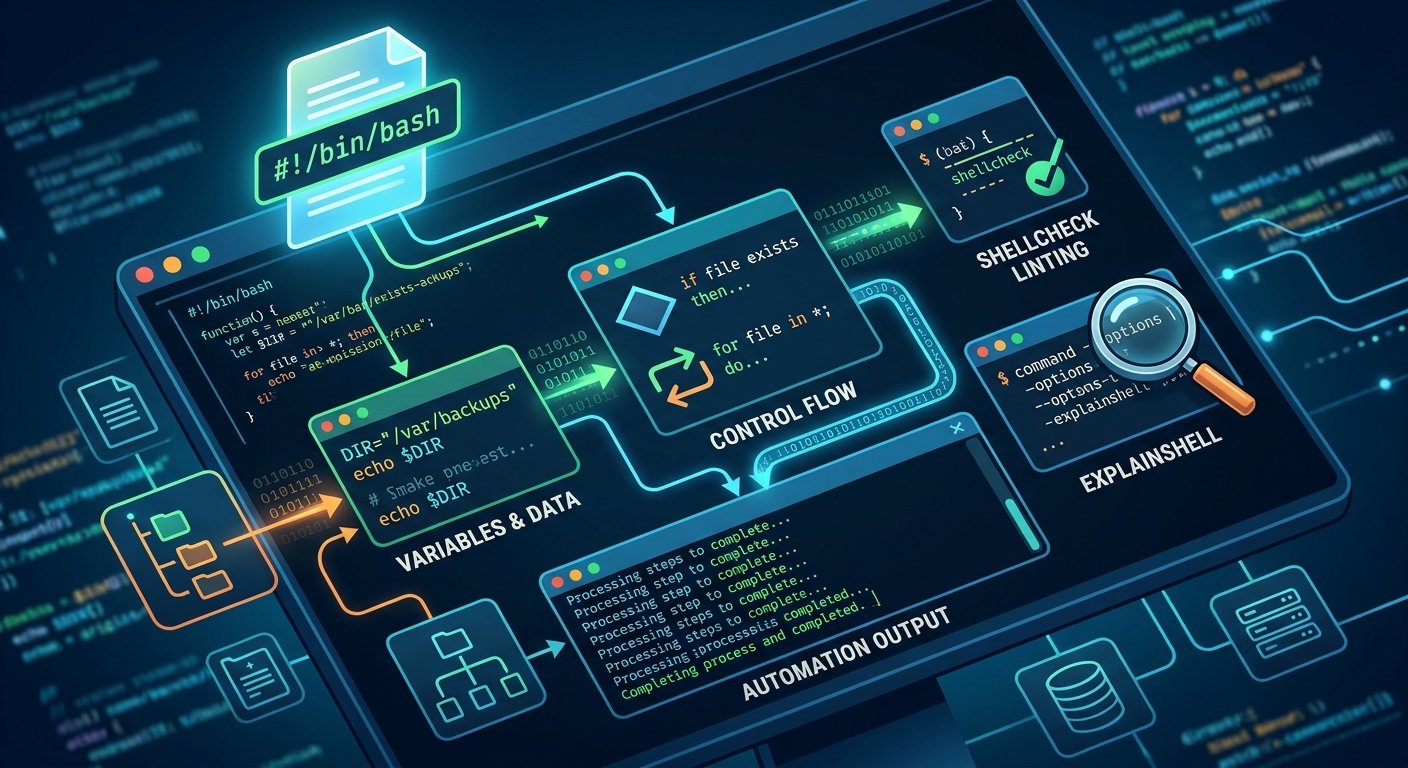
Shell scripting is an indispensable skill for anyone working in software development, DevOps, or system administration. At its core, a shell script is a text file containing a sequence of commands executed by a command-line interpreter—such as Bash or Zsh—to automate repetitive tasks, manage system files, and orchestrate complex workflows. For a comprehensive overview of how command-line environments fit into the broader Unix philosophy, you can explore Linux Journey.
The Anatomy of a Script and the Shebang
Every shell script typically begins with a special character sequence known as the shebang (#!), followed by the absolute path to the interpreter. For example, writing #!/bin/bash at the very top of your file explicitly tells the operating system to execute the script using the GNU Bourne-Again SHell. To dive deeper into the standard features and syntax of this specific shell, check out the official GNU Bash Documentation.
Before a script can be run, it requires proper execution permissions, which can be granted via the chmod command. If you ever find yourself puzzled by complex command-line arguments or obscure flags while writing scripts, tools like ExplainShell provide interactive breakdowns of command syntax line-by-line.
Variables, Data, and Environment
Writing effective scripts involves storing and manipulating data using variables. Defining a variable in Bash is straightforward—simply assign a value without spaces around the equals sign, such as BACKUP_DIR="/var/backups". To reference or retrieve the value stored inside that variable, you prefix its name with a dollar sign, like $BACKUP_DIR.
Unlike heavily typed programming languages, shell scripting treats most data as strings by default, though numeric arithmetic can be performed using double parentheses, such as $((5 + 5)). For best practices regarding variable scoping, safe string expansion, and avoiding common quoting pitfalls, consult the highly regarded Bash Guide.
Control Flow: Conditionals and Loops
To make scripts truly intelligent and dynamic, you must implement control flow. Conditional statements (if, elif, else) allow your program to make decisions based on file existence, exit statuses, or string comparisons. Meanwhile, loops (for, while, until) enable you to iterate over lists of files, text streams, or numerical ranges with minimal code.
For practical, step-by-step examples of implementing loops and conditional logic in real-world scenarios, the DigitalOcean Bash Tutorial offers wonderful walkthroughs. As your scripts grow in size and complexity, catching syntax errors and logic bugs early becomes crucial. ShellCheck is an incredible static analysis tool that lints your code to prevent subtle bugs before they cause production issues. For an exhaustive, deep-dive reference covering advanced scripting constructs, functions, and regex, the classic Advanced Bash-Scripting Guide remains an exceptional resource.
Conclusion
Mastering the basics of shell scripting transforms the terminal from a simple text prompt into a powerful automation engine. By combining variables, conditional statements, and iterative loops, you can eliminate manual toil, reduce human error, and streamline your daily technical workflows.
Source List
- Linux Journey – Beginner-friendly guides to learning Linux systems and the command line.
- GNU Bash Documentation – The official reference manual for the Bourne-Again SHell.
- ExplainShell – An interactive tool that matches command-line lines with their corresponding man page snippets.
- Bash Guide (Wooledge) – A community-driven, authoritative guide on Bash best practices and safe scripting.
- DigitalOcean Bash Tutorials – Practical, project-based tutorials for learning shell scripting fundamentals.
- ShellCheck – A static analysis tool that identifies warnings and suggestions for shell scripts.
- Advanced Bash-Scripting Guide – An in-depth exploration of both basic and advanced shell scripting techniques hosted by the Linux Documentation Project.