
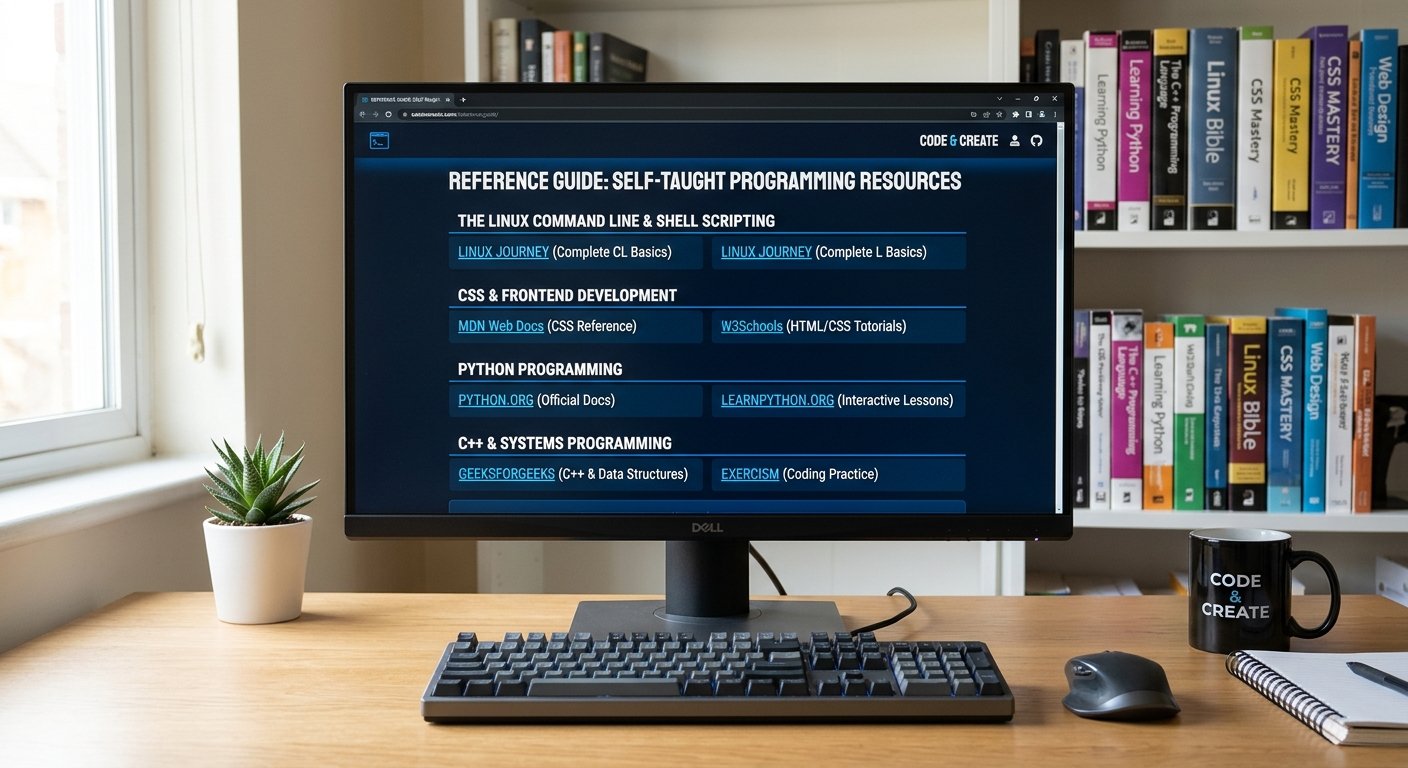
Comprehensive Reference Guide to Self-Taught Programming Resources

Teaching yourself how to code is an empowering endeavor. Whether you are aiming to master systems engineering, scripting environments like the Linux command line, frontend web design, or heavy-duty compiled languages like C++, the internet provides an incredible array of open-source and interactive curricula.

This reference listing outlines curated, high-value websites categorized by their strengths in teaching specific languages, environments, and core fundamentals.

Continue reading “Comprehensive Reference Guide to Self-Taught Programming Resources”
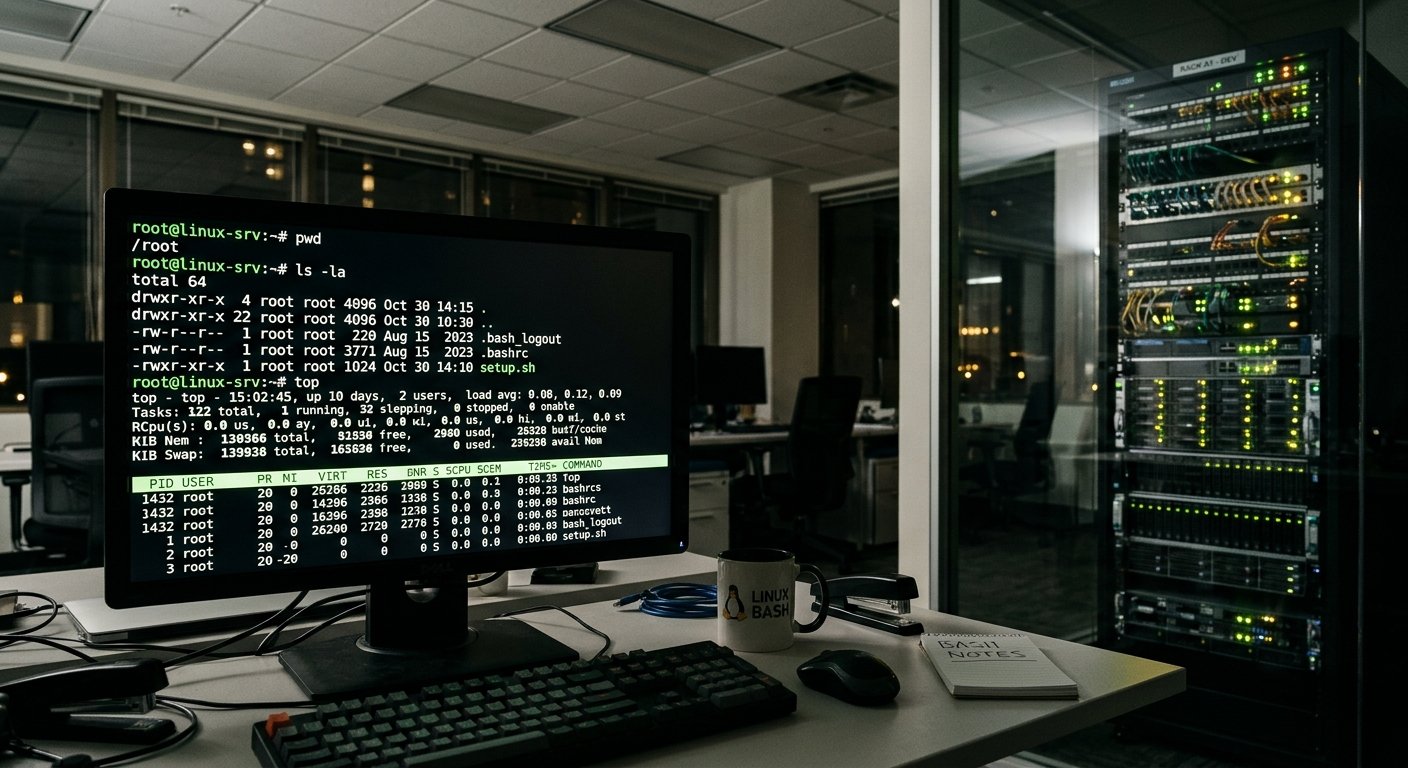
A Comprehensive Guide to the Most Frequently used Linux Bash Commands

1. Navigation & Directory Management

These commands allow you to move around the file system, view contents, and manage folders.

  • pwd (Print Working Directory)
    • Usage: pwd
    • Meaning: Displays the absolute path of the current working directory you are in. Learn more via the GNU Coreutils Documentation.
  • ls (List)
    • Usage: ls -la (Lists all files, including hidden ones, in a detailed list format)
    • Meaning: Lists directory contents. Common flags include -l (long format) and -a (all hidden files). Check out this DigitalOcean Linux Command Cheat Sheet for more options.
  • cd (Change Directory)
    • Usage: cd /path/to/directory or cd ~ (goes to home)
    • Meaning: Changes your current working directory. Typing cd .. moves you up one level.
  • mkdir (Make Directory)
    • Usage: mkdir my_folder or mkdir -p path/to/nested/folder
    • Meaning: Creates a new directory. The -p flag creates parent directories as needed without throwing an error if they already exist.
Continue reading “A Comprehensive Guide to the Most Frequently used Linux Bash Commands”

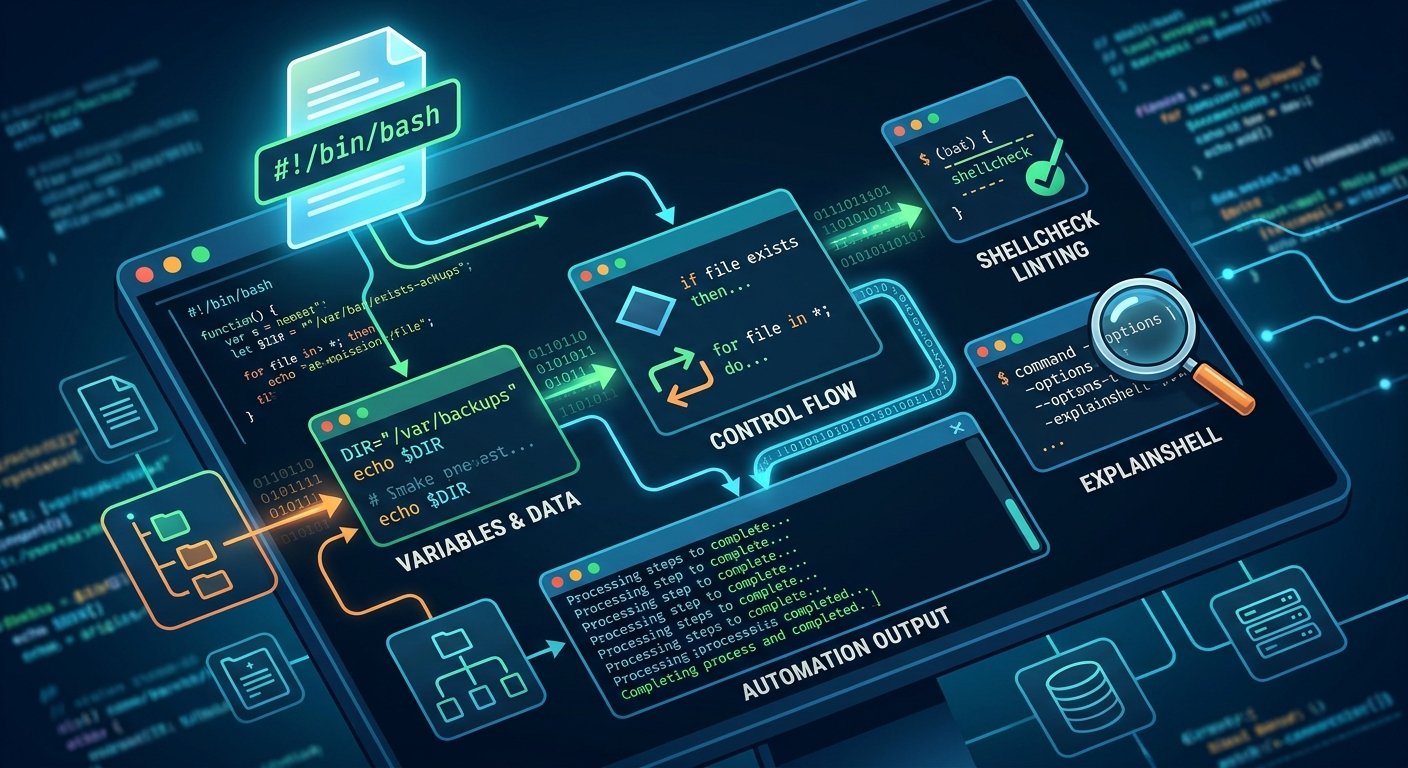
Automating the Command Line: The Essentials of Shell Scripting

Shell scripting is an indispensable skill for anyone working in software development, DevOps, or system administration. At its core, a shell script is a text file containing a sequence of commands executed by a command-line interpreter—such as Bash or Zsh—to automate repetitive tasks, manage system files, and orchestrate complex workflows. For a comprehensive overview of how command-line environments fit into the broader Unix philosophy, you can explore Linux Journey.

Continue reading “Automating the Command Line: The Essentials of Shell Scripting”

The Bourne Again Shell (Bash): The Engine of Linux Productivity

The command line is often described as the beating heart of the Unix and Linux operating systems. At the center of this interactive universe sits the Bourne Again Shell, universally known as Bash. Developed as a free software replacement for the original Bourne shell (sh), Bash has served as the default command interpreter for the vast majority of Linux distributions for decades. Its enduring dominance stems from a unique balance of rigorous POSIX compliance, powerful scripting constructs, and an intuitive interactive environment that empowers users ranging from casual hobbyists to seasoned systems administrators.

Continue reading “The Bourne Again Shell (Bash): The Engine of Linux Productivity”