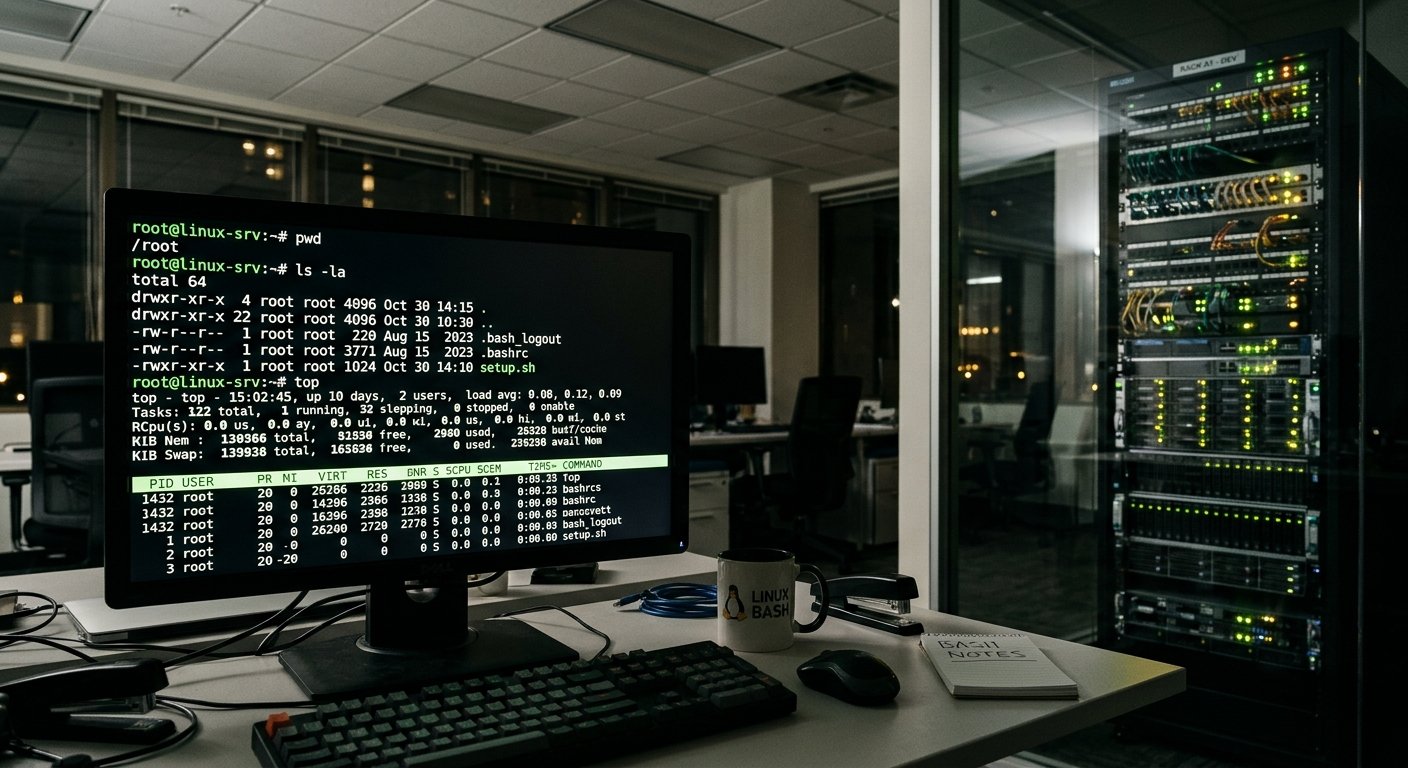
A Comprehensive Guide to the Most Frequently used Linux Bash Commands

1. Navigation & Directory Management

These commands allow you to move around the file system, view contents, and manage folders.

  • pwd (Print Working Directory)
    • Usage: pwd
    • Meaning: Displays the absolute path of the current working directory you are in. Learn more via the GNU Coreutils Documentation.
  • ls (List)
    • Usage: ls -la (Lists all files, including hidden ones, in a detailed list format)
    • Meaning: Lists directory contents. Common flags include -l (long format) and -a (all hidden files). Check out this DigitalOcean Linux Command Cheat Sheet for more options.
  • cd (Change Directory)
    • Usage: cd /path/to/directory or cd ~ (goes to home)
    • Meaning: Changes your current working directory. Typing cd .. moves you up one level.
  • mkdir (Make Directory)
    • Usage: mkdir my_folder or mkdir -p path/to/nested/folder
    • Meaning: Creates a new directory. The -p flag creates parent directories as needed without throwing an error if they already exist.
Continue reading “A Comprehensive Guide to the Most Frequently used Linux Bash Commands”

Decoding the Divide: Free Software vs. Open Source Software

In the modern technology landscape, terms like “open source” and “free software” are frequently used interchangeably to describe software whose source code is publicly accessible and modifiable. Because many programs satisfy the technical criteria of both definitions, people often assume the terms are synonymous. However, looking deeper into the origins and underlying philosophies reveals a profound distinction. As a popular summary describes it, “Open source is a development methodology; free software is a social movement.”

Continue reading “Decoding the Divide: Free Software vs. Open Source Software”

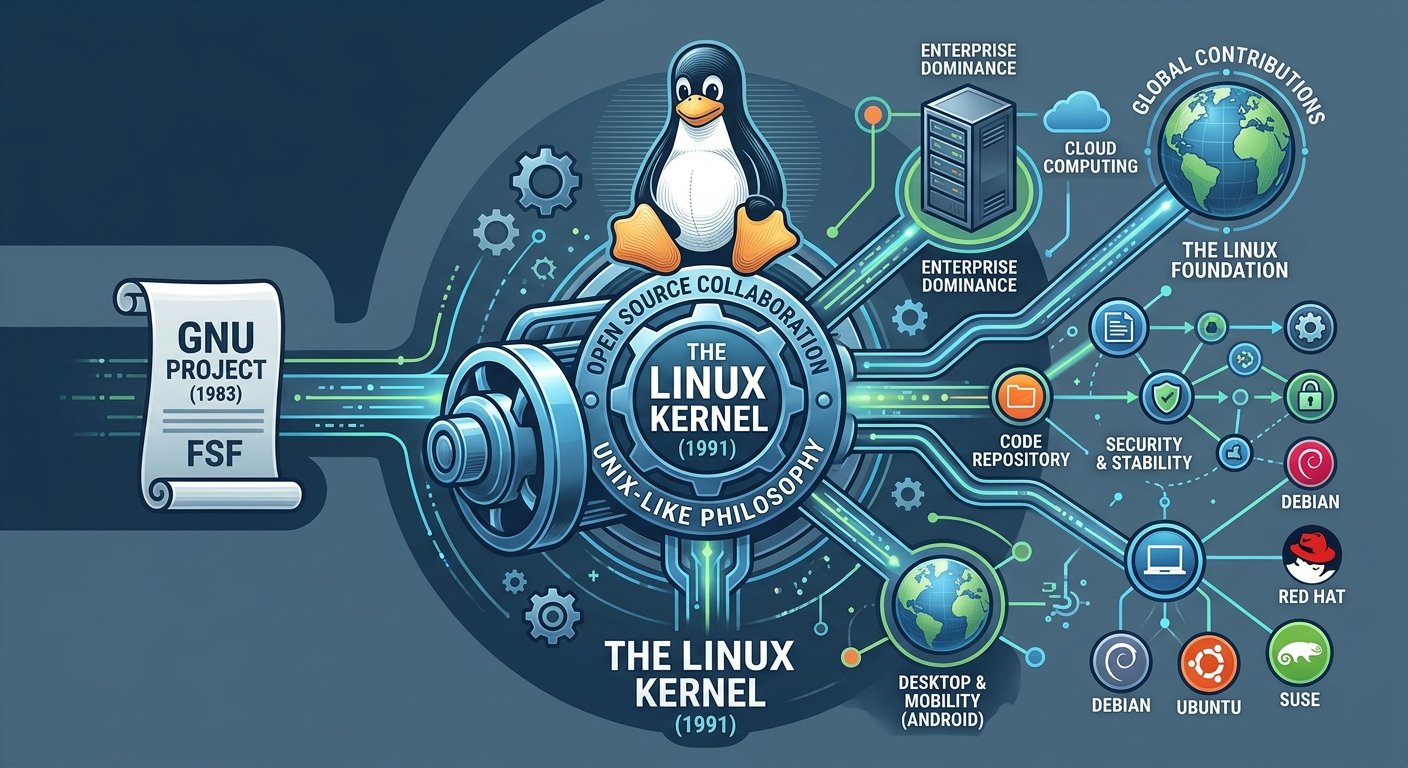
The Evolution of an Open-Source Titan: A Brief History of the Linux Operating System

Few technologies have reshaped the digital landscape as profoundly as Linux. What began in 1991 as a personal experiment by a university student has grown into the invisible engine driving the modern world. From smartphones running Android and cloud-computing infrastructure to the world’s fastest supercomputers, Linux is everywhere. Understanding its history is a journey through collaboration, philosophy, and the power of open-source software.

Continue reading “The Evolution of an Open-Source Titan: A Brief History of the Linux Operating System”

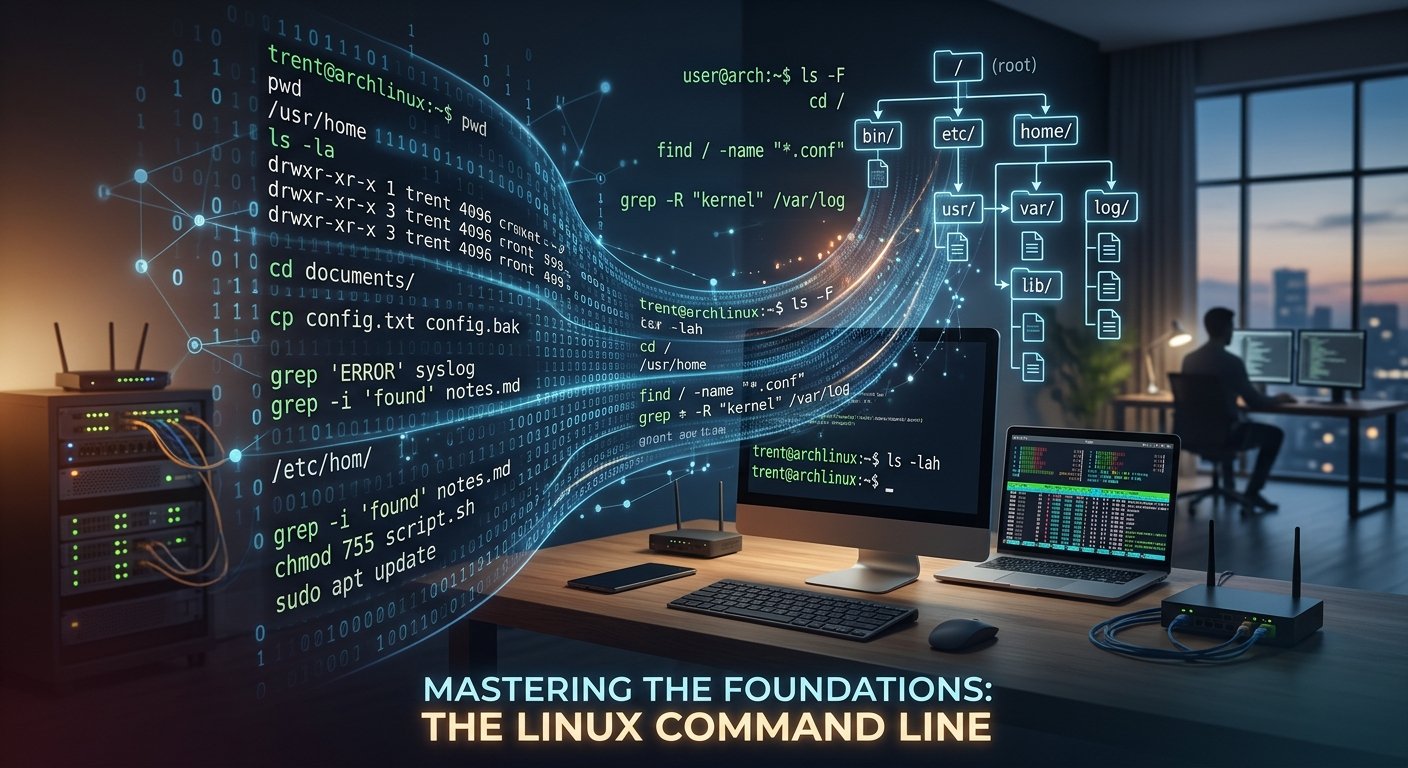
Mastering the Foundations: An Introduction to the Linux Command Line

For many users, computers are defined by graphical user interfaces—desktops populated by windows, icons, menus, and pointers. However, beneath this polished exterior lies a powerful, highly efficient engine traditionally controlled through text: the command line interface (CLI). In the realm of Unix-like operating systems, particularly Linux, the command line is not merely an alternative way to interact with the system; it is often the most direct, flexible, and powerful tool available. Understanding the basic Linux command line unlocks a deeper comprehension of how operating systems function, empowering developers, system administrators, and power users alike.

Continue reading “Mastering the Foundations: An Introduction to the Linux Command Line”