One of the Best Linux Forums on the Web. A Very Excellent Resource and Technical Guide. Linux.org

The Linux operating system powers everything from cloud infrastructure and supercomputers to embedded devices and personal desktops. Because of its modular nature, troubleshooting issues or deepening one’s understanding often requires consulting structured community knowledge. Among the vast ecosystem of documentation, forums, and technical communities, Linux.org stands out as an exceptional resource for newcomers and experienced system administrators alike. Combining structured educational articles with an active community discussion board, the platform offers an accessible environment for technical inquiry, research, and collaborative problem-solving.

Continue reading “One of the Best Linux Forums on the Web. A Very Excellent Resource and Technical Guide. Linux.org”

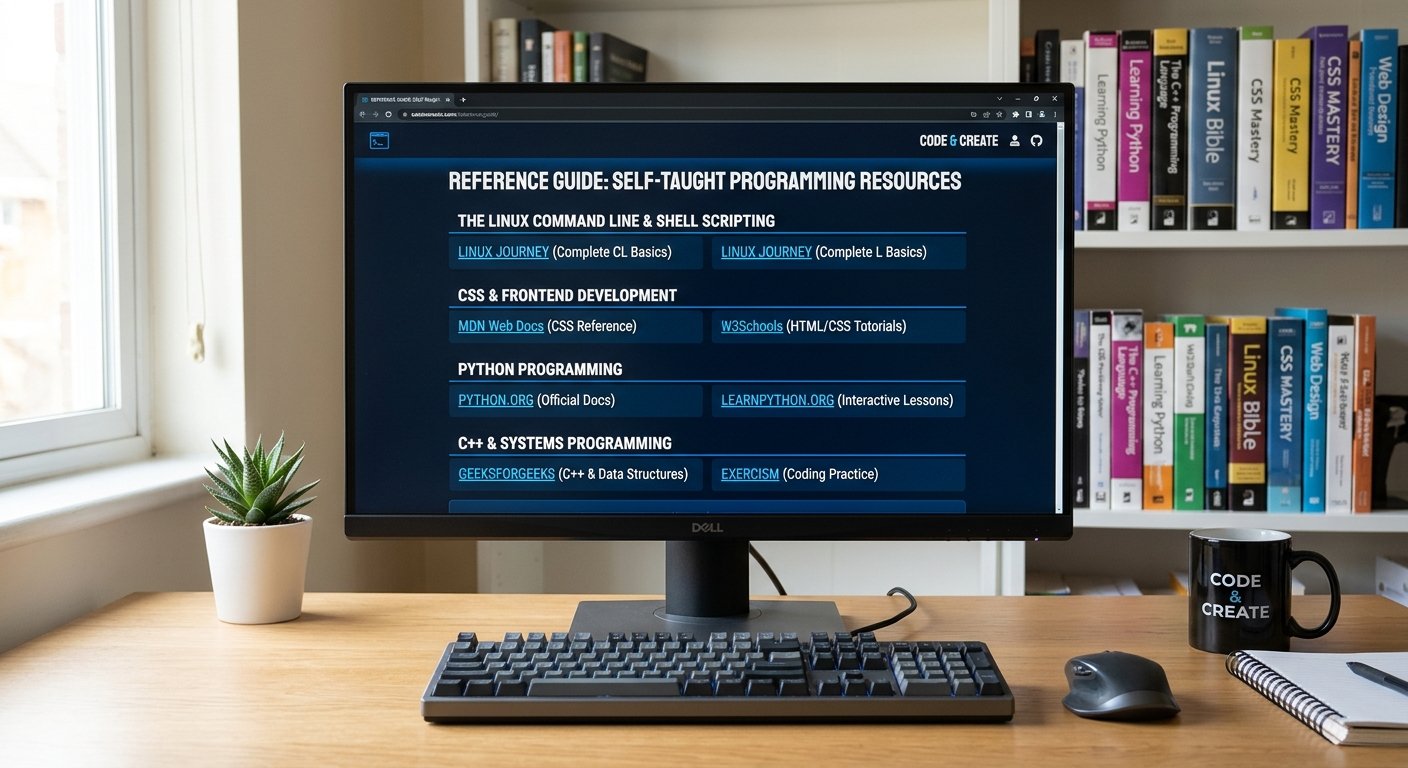
Comprehensive Reference Guide to Self-Taught Programming Resources

Teaching yourself how to code is an empowering endeavor. Whether you are aiming to master systems engineering, scripting environments like the Linux command line, frontend web design, or heavy-duty compiled languages like C++, the internet provides an incredible array of open-source and interactive curricula.

This reference listing outlines curated, high-value websites categorized by their strengths in teaching specific languages, environments, and core fundamentals.

Continue reading “Comprehensive Reference Guide to Self-Taught Programming Resources”

The Foundation of Styling: Understanding CSS and Efficiency in Web Design

In the early days of the World Wide Web, HyperText Markup Language (HTML) handled both the structure and the visual presentation of a webpage. As websites grew in complexity, this approach became cumbersome and difficult to maintain. The introduction of Cascading Style Sheets (CSS) revolutionized web design by establishing a strict separation of concerns: HTML dictates the structural skeleton of a document, while CSS controls its aesthetic presentation—including colors, typography, spacing, and responsive layouts.

Understanding the fundamentals of CSS and how it integrates with HTML is essential for anyone building modern, maintainable web pages. By leveraging external style sheets, developers can drastically minimize redundant work and ensure consistency across entire sites.

Continue reading “The Foundation of Styling: Understanding CSS and Efficiency in Web Design”

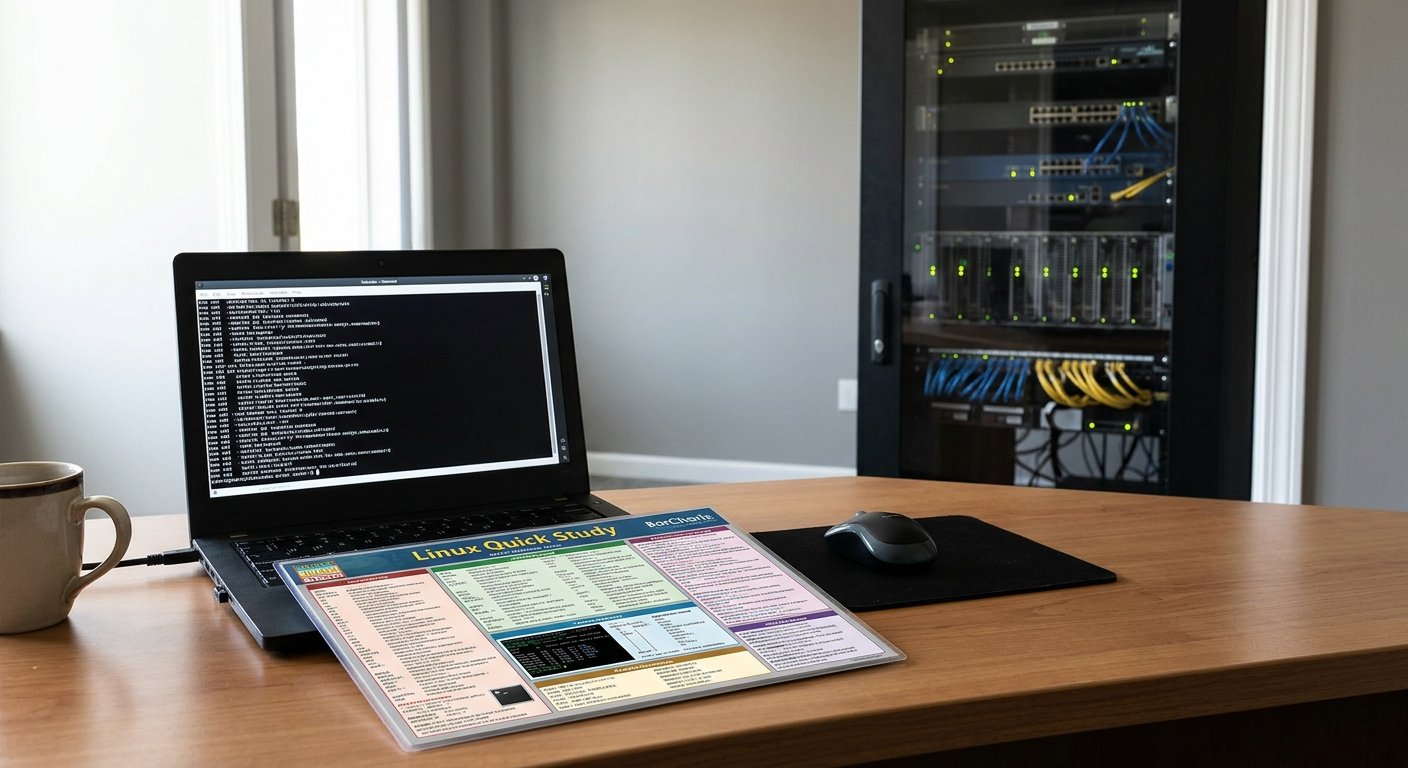
The Desk-Side Command Center: Evaluating the BarCharts QuickStudy Linux Laminated Guide

In the realm of system administration and software development, context switching remains one of the greatest taxations on productivity. When working deep inside the Linux terminal, stopping to search through lengthy manual pages (man) or browsing online documentation breaks a practitioner’s focus. While comprehensive reference manuals and digital cheat sheets exist, there is a distinct utility in having an immediate, physical quick-reference tool.

The BarCharts Publishing QuickStudy Linux Laminated Guide stands out as a remarkably practical bridge between introductory learning and daily desktop workflow. Designed in a compact, multi-panel foldout format, this laminated reference sheet condenses a vast array of essential command-line operations, file system structures, and system administration essentials into a high-density, accessible layout.

Continue reading “The Desk-Side Command Center: Evaluating the BarCharts QuickStudy Linux Laminated Guide”

A Comprehensive Guide to the Most Frequently used Linux Bash Commands

1. Navigation & Directory Management

These commands allow you to move around the file system, view contents, and manage folders.

  • pwd (Print Working Directory)
    • Usage: pwd
    • Meaning: Displays the absolute path of the current working directory you are in. Learn more via the GNU Coreutils Documentation.
  • ls (List)
    • Usage: ls -la (Lists all files, including hidden ones, in a detailed list format)
    • Meaning: Lists directory contents. Common flags include -l (long format) and -a (all hidden files). Check out this DigitalOcean Linux Command Cheat Sheet for more options.
  • cd (Change Directory)
    • Usage: cd /path/to/directory or cd ~ (goes to home)
    • Meaning: Changes your current working directory. Typing cd .. moves you up one level.
  • mkdir (Make Directory)
    • Usage: mkdir my_folder or mkdir -p path/to/nested/folder
    • Meaning: Creates a new directory. The -p flag creates parent directories as needed without throwing an error if they already exist.
Continue reading “A Comprehensive Guide to the Most Frequently used Linux Bash Commands”