Choosing a graphical user interface (GUI) in the Linux ecosystem can often feel overwhelming, given the sheer variety of window managers and desktop environments available. However, among all options, the GNOME Desktop Environment stands out as the premier choice for modern computing. Far from being just another interface, GNOME represents a cohesive design philosophy centered around human efficiency, cognitive clarity, and ruthless minimalism.
The Blank Desktop as a Canvas for Focus
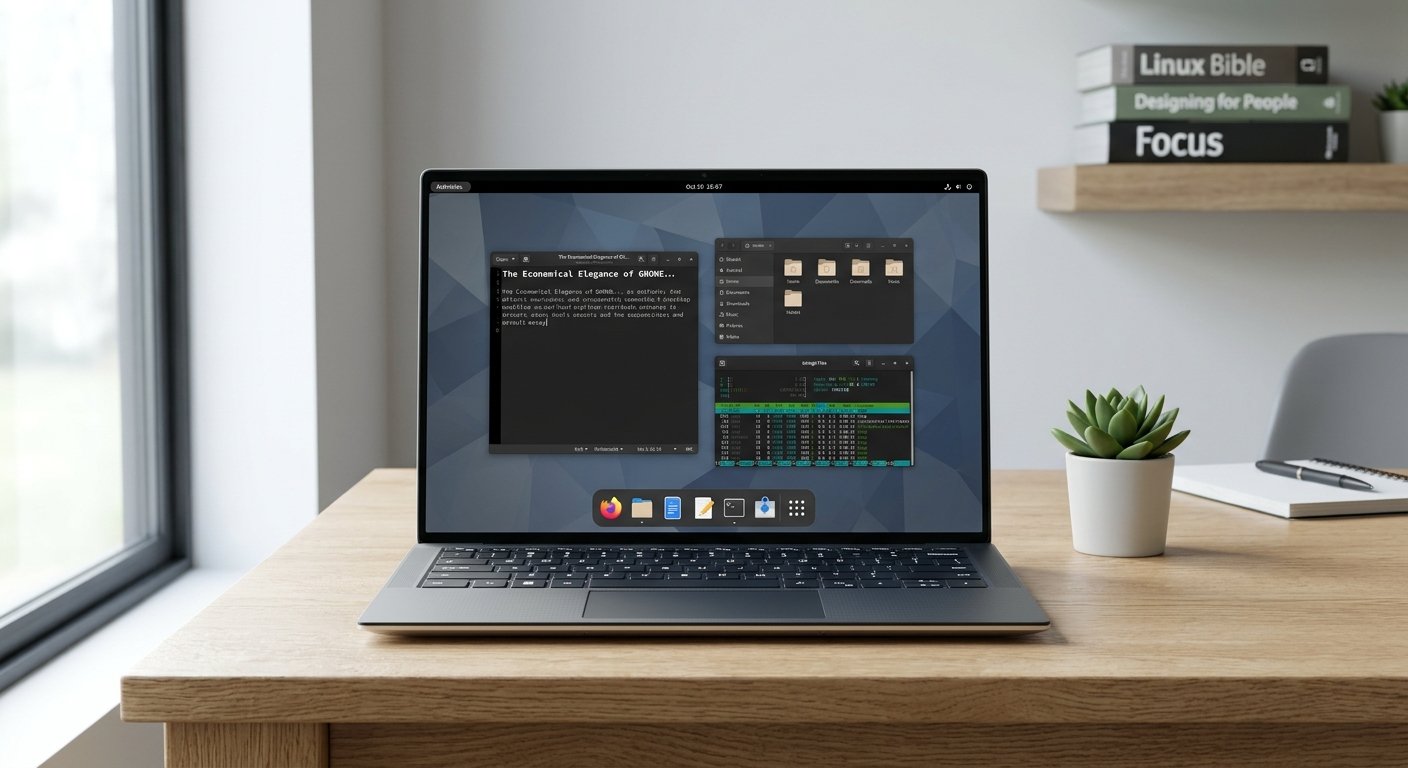
One of the defining characteristics of a properly configured GNOME session is that the desktop is left completely blank. Traditional desktop environments inherited from previous eras encourage treating the root window as a physical desk surface, cluttering it with temporary files, application shortcuts, and folder icons. In practice, a cluttered desktop acts as a perpetual source of visual noise, draining cognitive energy.
By keeping the desktop clean and unburdened, GNOME aligns with core tenets found in the GNOME Human Interface Guidelines. A blank desktop means there are no distractions competing for your attention when your windows are minimized or closed. It establishes a calm, neutral starting point, ensuring that your screen space is dedicated solely to active work rather than passive digital storage.
The Activities Overview as the True “Home” Page
In the GNOME paradigm, the traditional desktop metaphor is replaced by a spatial workflow centered around the Activities Overview. Triggered instantly by pressing the Super key or moving the cursor to the top-left corner, the Activities page serves as the true “home” page of the operating system.
As detailed in the GNOME Shell Introduction, this overview provides a unified bird’s-eye view of open windows, virtual workspaces, and the application launcher. Rather than minimizing windows down to a crowded taskbar or fishing through nested menus, users interact with a fluid, scale-invariant spatial layout. This approach reduces unnecessary mouse travel and keeps multitasking organized without visual clutter. For a comprehensive visual breakdown of this workflow, see the DistroSea GNOME Overview.
The Economic Argument: Why Extensions Should Be Avoided
While GNOME is famously modular and supports third-party modifications, the default condition is objectively the best and most economical way to use it. Many new users fall into the trap of installing dozens of extensions to mimic traditional layouts (such as legacy taskbars or menus), but this practice introduces significant long-term friction:
- Maintenance Overhead: Extensions frequently break with major point releases, turning routine system updates into a troubleshooting headache.
- Resource Efficiency: The default GNOME Shell is tightly optimized. Third-party extensions introduce memory leaks, scripting overhead, and unpredictable performance degradation.
- Cognitive Consistency: Sticking to the vanilla experience ensures that your workflow remains predictable across different machines, enterprise deployments, and future system upgrades.
Adopting the pure, default GNOME workflow is the most economical choice because it requires zero maintenance overhead, consumes minimal system resources, and respects the intentional design architecture crafted by upstream developers.
Conclusion
GNOME proves that less is profoundly more. By embracing a blank desktop, treating the Activities page as the central home dashboard, and resisting the temptation of extension bloat, users unlock a computing experience defined by speed, elegance, and peace of mind. It is a desktop designed not to show off its own bells and whistles, but to get completely out of your way so you can focus on what matters.
Source List
- GNOME Official Website
- GNOME Human Interface Guidelines
- GNOME Shell Introduction – GNOME Help
- DistroSea GNOME Desktop Environment Overview
How To Use The GNOME Desktop Environment
This video provides a practical walkthrough demonstrating how to navigate the default GNOME desktop and optimize your workflow using its native features.