
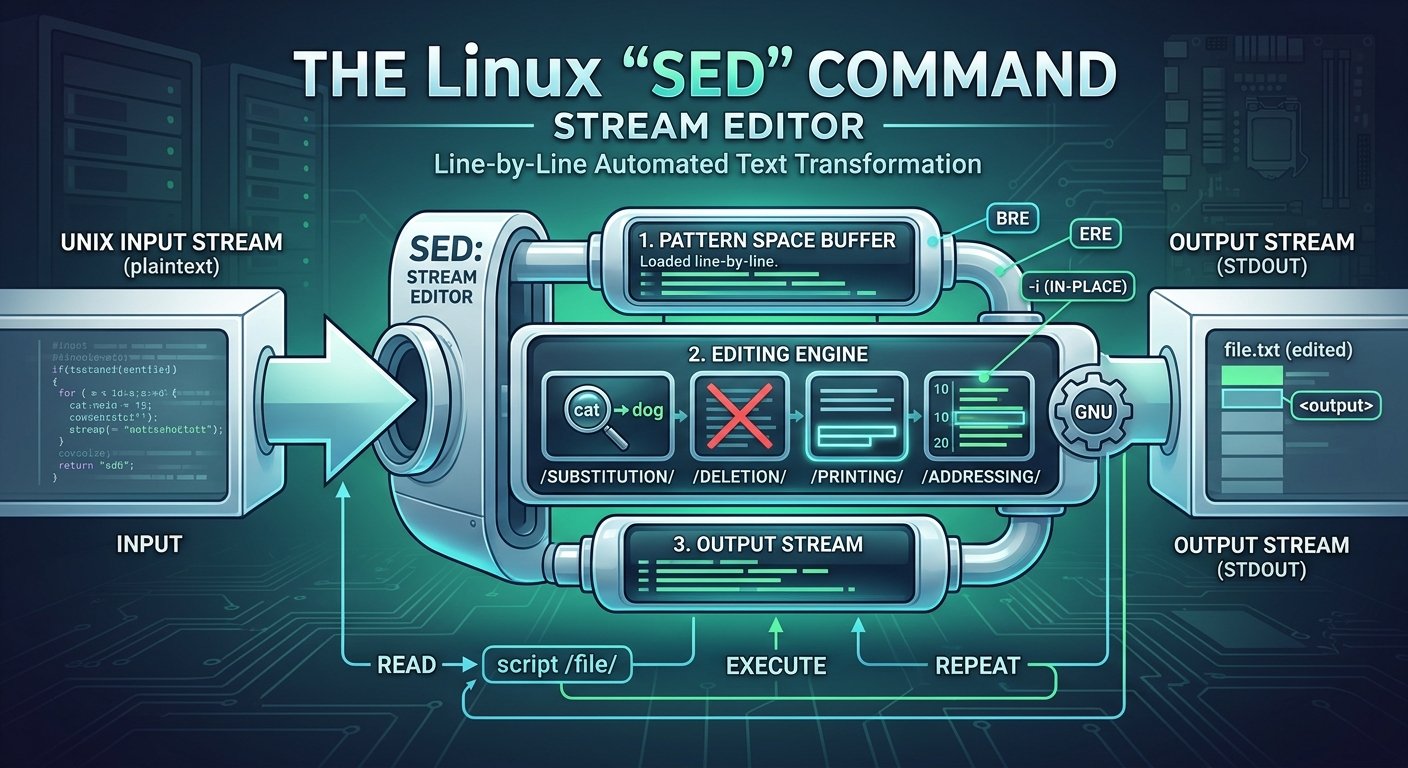
Introduction to the Linux sed Command

The sed command, short for stream editor, is one of the most powerful and versatile text-processing utilities available in Unix and Linux environments. First developed by Lee E. McMahon at Bell Labs in 1974, sed was designed to implement features inspired by the interactive text editor ed and the grep pattern-searcher, but optimized for automated, non-interactive text manipulation.

Unlike traditional text editors where you open a file in a graphical or terminal interface and manually make changes, sed operates by reading an input stream (either from a file or standard input), applying a series of user-defined rules and filters to each line, and sending the modified output to standard output. This unique capability makes it an indispensable tool for shell scripts, system administration, log analysis, and batch text processing.

Continue reading “Introduction to the Linux sed Command”

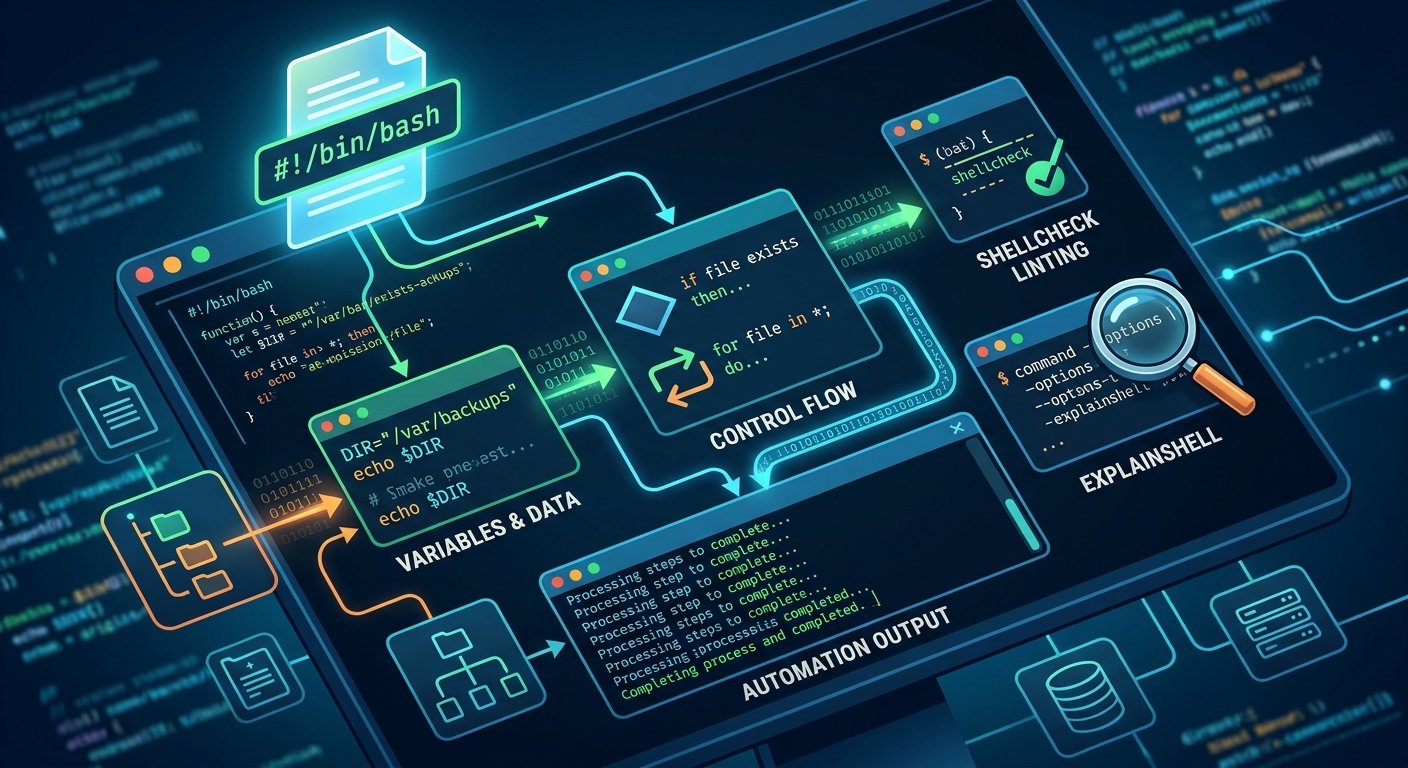
Automating the Command Line: The Essentials of Shell Scripting

Shell scripting is an indispensable skill for anyone working in software development, DevOps, or system administration. At its core, a shell script is a text file containing a sequence of commands executed by a command-line interpreter—such as Bash or Zsh—to automate repetitive tasks, manage system files, and orchestrate complex workflows. For a comprehensive overview of how command-line environments fit into the broader Unix philosophy, you can explore Linux Journey.

Continue reading “Automating the Command Line: The Essentials of Shell Scripting”

Mastering grep: The Ultimate Text-Searching Tool in Linux

In the vast and powerful ecosystem of the Linux command line, few utilities are as universally revered, relied upon, and endlessly versatile as grep. Standing for “Global Regular Expression Print”, grep is a foundational command-line tool used for searching plain-text data sets for lines that match a specific regular expression or pattern. Whether you are a system administrator troubleshooting server logs, a developer searching through a massive codebase, or a casual user filtering text output, grep is an indispensable superpower.

To explore the formal specifications, flags, and underlying philosophy of this tool, you can check out the official GNU Grep Manual.

Continue reading “Mastering grep: The Ultimate Text-Searching Tool in Linux”

Installing Fedora Linux on a Desktop Computer: A Step-by-Step Guide

Installing a Linux distribution on a desktop computer can seem daunting to beginners, but open-source platforms have evolved to become remarkably user-friendly. Among the vast ecosystem of Linux distributions, Fedora Linux stands out as a powerful, secure, and cutting-edge operating system sponsored heavily by Red Hat. Whether you are switching away from proprietary systems or building a brand-new desktop rig, installing Fedora Workstation is a straightforward process. For official downloads, you can always visit the Fedora Project Website.

Continue reading “Installing Fedora Linux on a Desktop Computer: A Step-by-Step Guide”

Demystifying Computer Networking: Protocols, Addressing, and Subnets

At its core, computer networking is the invisible infrastructure that allows billions of devices worldwide to communicate, share data, and access information. Whether you are loading a webpage, sending an instant message, or streaming a video, a complex suite of rules and mathematical structures works behind the scenes to deliver data accurately.

To understand how this digital ecosystem functions, we need to examine the foundational layers of networking: how data is transmitted using TCP/IP, why IPv4 addresses are structured the way they are, and how netmasks and network classes organize global traffic.

Continue reading “Demystifying Computer Networking: Protocols, Addressing, and Subnets”